Teachers are walking fountains of knowledge. The 21st century has provided the tools for teachers to share their knowledge globally. A great way for teachers to reflect on their own work is to collect and share their resources. It is one thing to use resources but the act of sharing resources is also accompanied by a learning process.
You have to reflect on your own knowledge, prioritise, collect and filter. Once you have all your resources what is the next step. Here is a range of sites teachers can use to create and share online resources.
1. Create a blog
There are many sites which allow you to create your own blog. A blog allows you to share ideas, links, images and many other resources. Many are free or have a free option. It is also a great way to keep all your resources in one place.
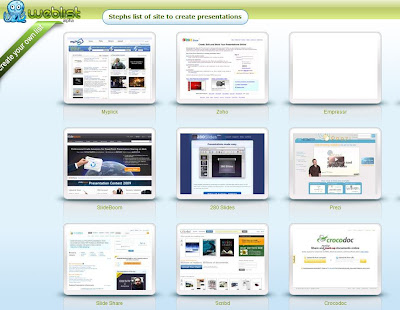
2. Create a presentation
There are many sites which allow you to share presentations. The presentations may be a step by step tutorial, share information, provide links, reflect on practice. Many sites allow you to upload powerpoints or documents or create animated presentations and add voice and music.
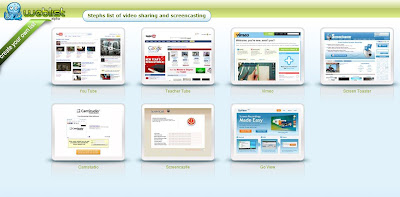
3. Create a Video
Your video may be a demonstration, documentation or a tutorial.
Create computer tutorials by recording the desktop which is called screen casting.
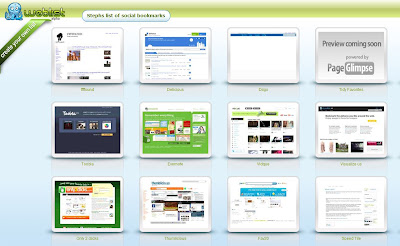
4. Create Social bookmarks
Social bookmarking sites allow you to save links, tag them and share with others.
5. Create Ebooks
Ebooks are virtual books you can access online, download or embed.
6. Share images